Scripting-Tool
Openwind has a scripting ability that is being enhanced and expanded over time. The basic idea is to be able to queue up operations as well as being able to save and load sets of queued operations in XML format.
It is currently possible to script the following operations:
Load a workbook
Calculate Energy Capture
Calculate Time Series Energy Capture
Replace the wind data in a met mast layer using the data in a CSV time series file
Change the values of global variables
Change site layer properties (enabled/disabled, fixed, included in optimiser, growable, set turbine type)
Start an energy optimisation
Start a Cost of Energy (OCOE) optimisation
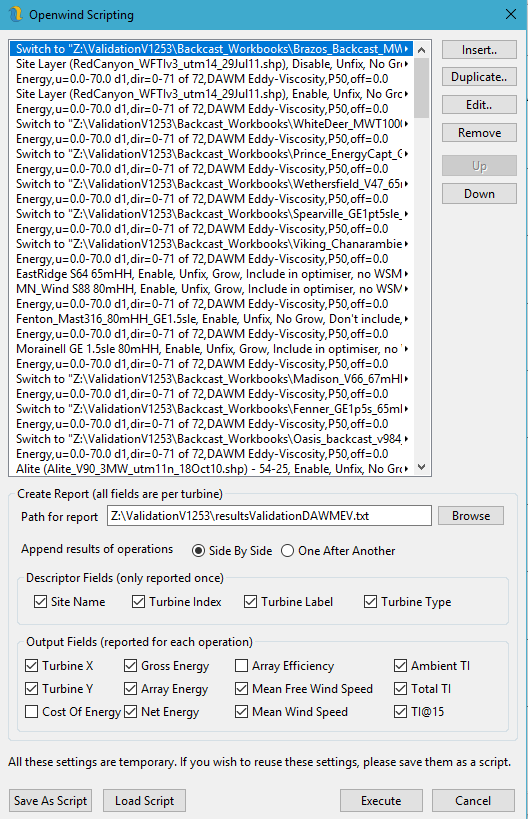
Figure 1: Openwind Scripting Interface
For the currently selected operation type, one can access the parameters for that operation by pressing the Parameters button.
The drop-down list for All Operations lists all operations along with their parameters so that each script can be viewed in its entirety. It is also possible to hand-edit the XML script in a browser or text editor.
Once a script is ready, it can be run in batch mode by passing the path of the XML file as a command-line argument to the Openwind.exe.